
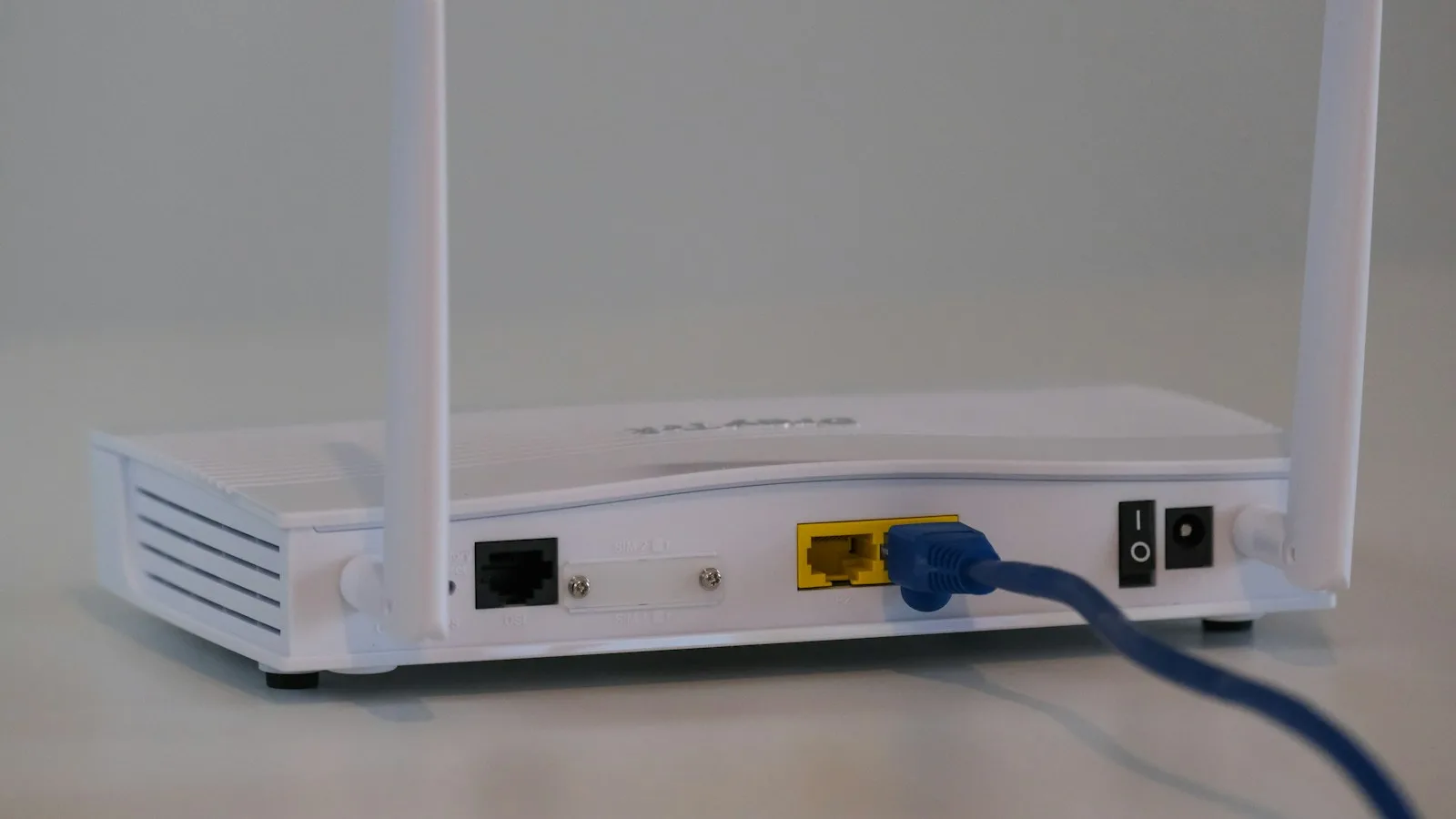
Short answer: power your modem (or fiber ONT) and router from a battery. Together they typically draw only about 12–13 W, so even a small UPS or power station can keep them running for hours. Whether you stay online during a power outage also depends on your internet provider’s equipment outside having power.
How much power your internet gear really uses
Independent measurements put a typical setup at roughly:
- Fiber modem + Wi-Fi router: about 12.7 W average, nearly constant whether you’re streaming or idle (Ericsson household study)
- Cable modem-router: about 11–13 W (Prysmian access-network study)
Your equipment may differ. A plug-in power meter will tell you exactly.

Three ways to back it up
| Option | How it works | Best for | Watch out for |
|---|---|---|---|
| Standard UPS (battery backup) | Plugs into the wall; switches to battery when power drops | Short outages; seamless switchover | Small batteries; runtime falls fast as load grows |
| DC mini UPS | Powers 12 V / 9 V / 5 V devices directly through DC cables | Modem and router only; no inverter losses | Voltages and plugs must match your devices exactly |
| Portable power station | Large battery with AC and DC outputs | Long outages, plus fridge and lights | Not every model switches over instantly; check UPS mode specs |
How long will it last in a power outage?
Runtime (hours) ≈ Battery Wh × efficiency ÷ Load W
Example: a 256 Wh power station running a 13 W modem + router through the AC inverter at 85% efficiency: 256 × 0.85 ÷ 13 ≈ 17 hours. Running the same gear from DC outputs avoids most inverter losses, so it lasts longer.
Small UPS units usually publish a runtime chart instead of watt-hours. Look up the runtime at your actual load (around 15 W), not at half or full load.
Runtime table for a 13 W modem + router
| Battery | 13 W (modem + router) | 20 W (adds a mesh node or switch, example) |
|---|---|---|
| 100 Wh | about 6.5 h | about 4.2 h |
| 256 Wh | about 16.7 h | about 10.9 h |
| 500 Wh | about 32.7 h | about 21.2 h |
| 1,000 Wh | about 65.4 h | about 42.5 h |
Calculated as Wh × 0.85 ÷ watts through an AC inverter. The 20 W column is an example for a bigger network; measure yours with a plug-in power meter for the real number. Even a modest battery covers the roughly 11-hour average outage the EIA reported for 2024.
The catch: your provider’s side
Your router only stays online if the network upstream still works. Cable and fiber networks depend on powered equipment in your neighborhood. In a wide outage that equipment may run on its own backup for a while or go down. A battery at home guarantees your local Wi-Fi, not the internet connection itself. Phone hotspot is a good second layer.
Home phone service in a power outage
If your home phone runs over fiber, cable or another internet-based service instead of a copper line, it needs power too. The FCC’s consumer guidance says home phone service may not work during power outages if it is not line-powered, and that cordless phones likely won’t work unless they are on a UPS or generator.
Under FCC rules, providers of these services must offer customers the option to buy backup power: at least one option with 8 hours of standby power, and one with 24 hours. Ask your provider what it offers, and remember your mobile phone is another way to reach 911 if it is charged.
Setup checklist
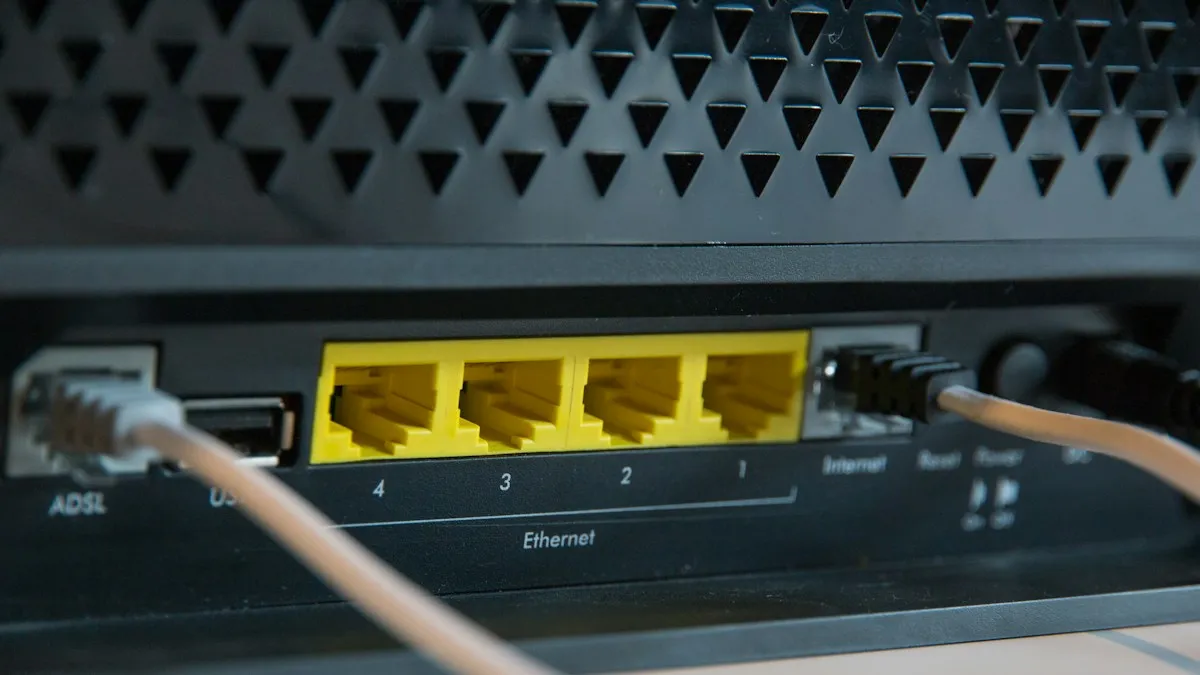
- Identify every box in the chain: ONT or modem, router, any mesh nodes or switch.
- Read the power adapter labels for voltage and amps (watts ≈ volts × amps gives the maximum).
- Choose a UPS, DC mini UPS or power station based on how long your typical outages last.
- Test it: unplug the wall power for a few minutes and confirm the connection stays up.
Next: How to choose a UPS for your router and modem, or estimate runtime with the calculator.
Common mistakes
- Backing up the router but not the modem or fiber ONT, so Wi-Fi stays up with no internet behind it.
- Forgetting a mesh node or network switch in another room.
- Reading a UPS runtime chart at half load instead of at your real 13–20 W.
- Assuming home backup keeps the internet up when the provider’s neighborhood equipment is down in the same power outage.
When this doesn’t apply
- Satellite and fixed-wireless internet use different equipment with its own power needs. Check the label on each box.
- Medical alert or monitoring devices that rely on your internet: ask the device maker about outage plans; this guide doesn’t cover medical equipment.
FAQ
Will my Wi-Fi work during a power outage?
Only if your modem (or ONT) and router have battery power and your provider’s network still works. A home battery keeps your local Wi-Fi up; the internet connection depends on the provider.
How long will a UPS run a router?
Check the UPS runtime chart at about 13–15 W. For a power station, use Wh × 0.85 ÷ 13: a 256 Wh unit gives about 17 hours.
What should I back up first in a power outage?
The modem or ONT and the router, then a phone charger. See our power outage checklist for the full order.
Not sure whether a UPS or a power station fits your setup? See UPS vs power station.
Sources: FCC, backup power for home phone service; FCC backup power compliance guide; EIA, 2024 outage data; Ericsson, “Just measure it”; Prysmian. Written by Lucas, Electrical Engineer. No products were tested for this article.