

Short answer: the difference only matters while the UPS is on battery. A pure sine wave UPS delivers a smooth waveform like the utility grid. A simulated (stepped) sine wave is an approximation. Computers with active-PFC power supplies, some audio gear and motor loads may misbehave on a simulated wave; simple adapters for routers and phones usually don’t care.
What the two waveforms are
Utility power in the U.S. is a smooth 60 Hz sine wave. When the UPS switches to battery, its inverter has to create AC from DC:
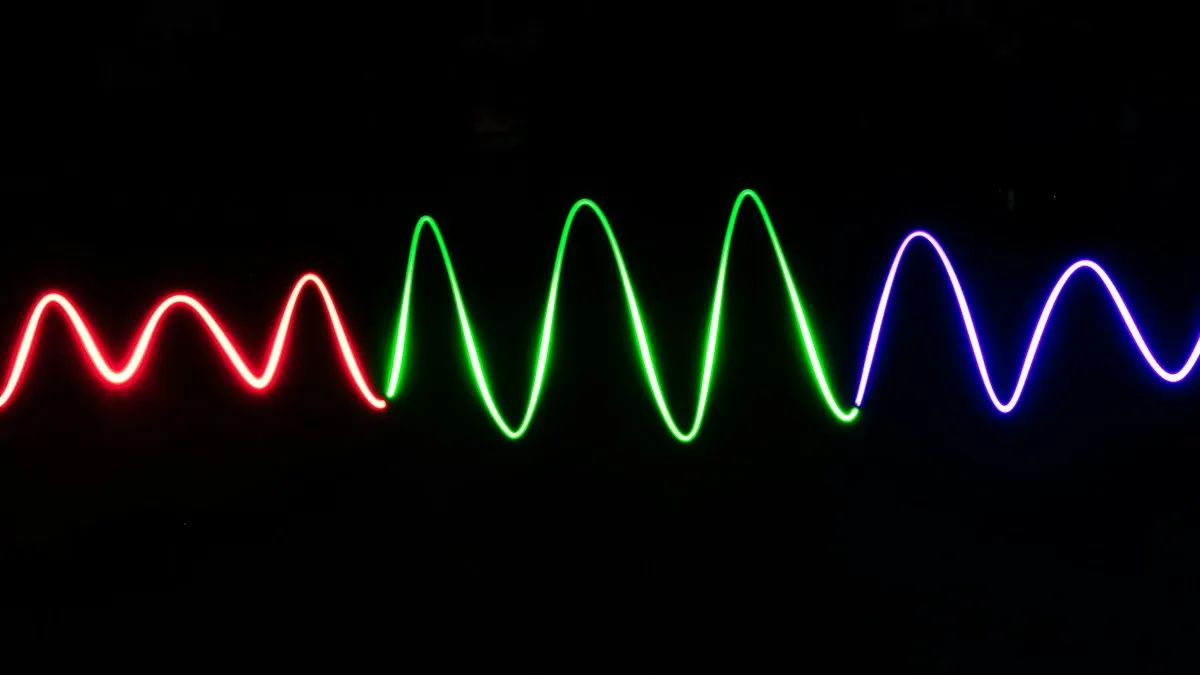
- Pure sine wave: the inverter recreates a smooth sine, which is what connected equipment expects.
- Simulated / modified / stepped sine wave: a pulse-width-modulated approximation with flat steps. Eaton describes it as choppier and less stable.
When utility power is present and within range, a typical line-interactive UPS simply passes it through, so the waveform question doesn’t arise.
Why active PFC matters
Many desktop PCs, gaming PCs and workstations use power supplies with active Power Factor Correction (PFC). Eaton says simulated sine wave UPS output may not be ideal for these. CyberPower explains why: a simulated wave includes moments of zero output during the phase change, a “gap” that some active-PFC supplies react to by shutting down unexpectedly.
Which devices need what
| Device | Simulated sine OK? | Notes |
|---|---|---|
| Modem, router, phone chargers | Usually yes | Small switching adapters tolerate it |
| Laptop (on its charger) | Usually yes | Laptop battery also bridges gaps |
| Desktop PC with active-PFC PSU | Risky | Prefer pure sine |
| NAS / home server | Prefer pure sine | Unexpected shutdowns risk data |
| Audio and AV equipment | Prefer pure sine | Possible hum or noise |
| Motors, pumps, compressors | Prefer pure sine | Stepped waves can cause heating and noise |
| Medical devices | Follow the manufacturer | The manual’s requirement overrides general advice |
Pure sine wave is not the same as “online”
Waveform and UPS topology are separate features. A line-interactive UPS can output pure sine wave; an online (double-conversion) UPS also does, but additionally runs everything through its inverter all the time. Pure sine wave alone does not mean zero transfer time.
How to tell from a spec sheet
- “Pure sine wave” or “sine wave” output on battery: smooth.
- “Simulated sine wave,” “stepped approximation,” “PWM sine wave” or “modified sine wave”: stepped. Tripp Lite, for example, uses “PWM sine wave” for its stepped models.
- If the sheet only says “sine wave output” without “on battery,” check the manual.

Bottom line
For internet gear only, a simulated sine wave UPS is usually fine. For a desktop PC, NAS, AV system or anything with a motor, pay for pure sine wave.
Related: UPS for your router and modem.
How to check whether you need pure sine wave
- List what will plug into the battery outlets. Surge-only outlets don’t matter here, because they never run from the battery.
- Look for “Active PFC” on each computer’s power supply, on its label or in the maker’s spec sheet. If you find it, plan on pure sine wave.
- Check motors and audio gear. Small pumps, fans and some audio equipment may run hot or hum on a stepped wave.
- Read the UPS spec sheet. Look for the words “pure sine wave” or “sine wave” for battery mode, not just “line interactive”.
If every device is a small adapter for a router, modem or phone charger, the waveform rarely decides anything. If one device has active PFC, buy for that device.
Common mistakes
- Assuming a pure sine wave label means the UPS is “online” (double-conversion). They are different features.
- Testing on grid power only. The waveform matters while the UPS runs on battery, so test by unplugging the UPS from the wall.
- Paying for pure sine wave to run only a router and modem, when runtime at low load would have been the better spend; see choosing a UPS for router and modem.
- Ignoring the computer’s power supply spec and blaming the UPS when the PC shuts off at the switchover.
When this doesn’t apply
- Portable power stations list their own inverter type in the spec sheet; check it the same way before running sensitive gear.
- Medical equipment: ask the device maker which backup power it supports; this site does not cover medical devices.
FAQ
Is pure sine wave better for a gaming PC?
It depends on the power supply, not on gaming. If the PSU uses active PFC, a pure sine wave UPS avoids shutdowns at the switch to battery. Check the PSU spec to be sure.
Do routers need a pure sine wave UPS?
Usually not. Simple adapters for routers, modems and phones generally don’t care about the waveform; runtime is the spec that matters for them.
Does pure sine wave use more battery?
The waveform itself isn’t what sets runtime; battery size, load and the inverter’s efficiency at that load are. Compare the published runtime charts at your actual load.
To size the UPS itself, see UPS for PC: watts, VA and runtime.
Sources: Eaton; Tripp Lite; CyberPower PFC Sinewave explanation. Written by Lucas, Electrical Engineer.